下載 App 享優惠
此商品內容正在優化中,暫時無法完整顯示您所選擇的語言。
商品編號 #622025
6
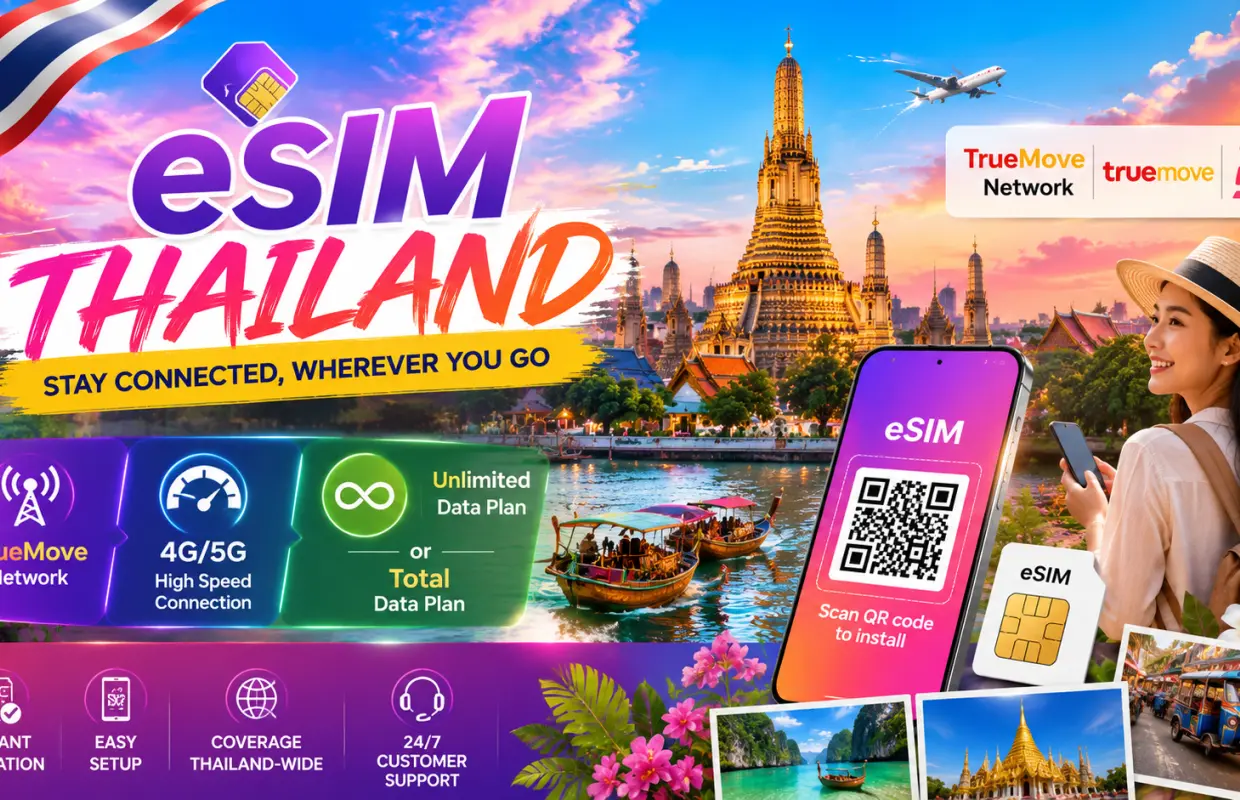
Thailand Travel eSIM | TrueMove Local Network | Unlimited Data and Total Data Plan | No eKYC Verification and QR Code Setup

Thailand Travel eSIM | TrueMove Local Network | Unlimited Data and Total Data Plan | No eKYC Verification and QR Code Setup


English 導覽
不可取消
現場請出示電子憑證

  • Stay connected across Thailand with reliable 4G mobile data on the TrueMove network. 
  • No eKYC or identity verification required for quick and hassle-free activation. 
  • Non-roaming local data for faster, more stable connectivity throughout Thailand. 
  • Receive your eSIM QR code instantly after completing your purchase. 
  • Keep your physical SIM card while enjoying mobile data through your eSIM. 
  • Activate your eSIM in just a few minutes with a simple QR code installation. 
  • No registration, no physical SIM collection, and no hidden fees. 
  • Dedicated customer support is available if you need assistance with installation or activation.
首次使用APP訂購,輸入優惠碼「APP15HK」即減$15
立即確認

選擇方案

商品說明

Please carefully check the steps and important notes before setting up eSIM.

Check eSIM Device Compatibility

Check eSIM Device Compatibility

eSIM Registration Steps for IOS

eSIM Registration Steps for IOS

eSIM Registration Steps for Android

eSIM Registration Steps for Android

購買須知

  • Please carefully check if eSIM is compatible with your phone. 
  • eSIM QR Code cannot be refunded or cancelled once registered. 
  • eSIM should be activated within 30 days upon booking. 
  • eSIM QR Code can only be used on 1 device only. 
  • eSIM can only be connected after your arrival upon the destination.

注意事項

如何使用

Before installation, make sure your phone supports eSIM, is unlocked, and connected to stable Wi-Fi. For iOS: Go to Settings → Cellular / Mobile Data → Add eSIM → Use QR Code, then scan the eSIM QR code. For Android: Go to Settings → Connections / Network & Internet → SIM Manager / SIMs → Add eSIM / Download a SIM, then scan the QR code. If the eSIM does not connect automatically, set the APN manually using the APN information shown on your voucher, then restart your phone. Do not delete the eSIM after installation. Each QR code can only be installed once on one device.

憑證使用方式

  • 現場請出示電子憑證

體驗地點

地點名稱: Bangkok

地址: Bangkok, Thailand


取得協助

KKday 幫助中心