

[Limited time offer!] China, Hong Kong and Macau eSIM Card | Daily High Speed 1GB / Unlimited Data All You Can Eat Plan
- A new choice for Internet access, no need to change SIM cards, enjoy 4G Internet access quickly and smoothly without any hassle
- Once you receive the voucher, you can scan it and install it, without having to go back and forth to get the physical card or wait for it to be delivered.
- Environmentally friendly, no consumables, free shipping, zero risk of loss
Package Options
Product Info
The content of this product is provided by machine translation and may not reflect the actual information, please take this into consideration before booking.
Please confirm that your phone can use eSIM before purchasing. You cannot cancel or refund the order after ordering.


Before activating eSIM, please update iOS to the latest version and connect to a stable WiFi network. Old iOS versions and unstable networks are common reasons for eSIM activation failure.

Open the camera to scan the eSIM and click "Action Plan".


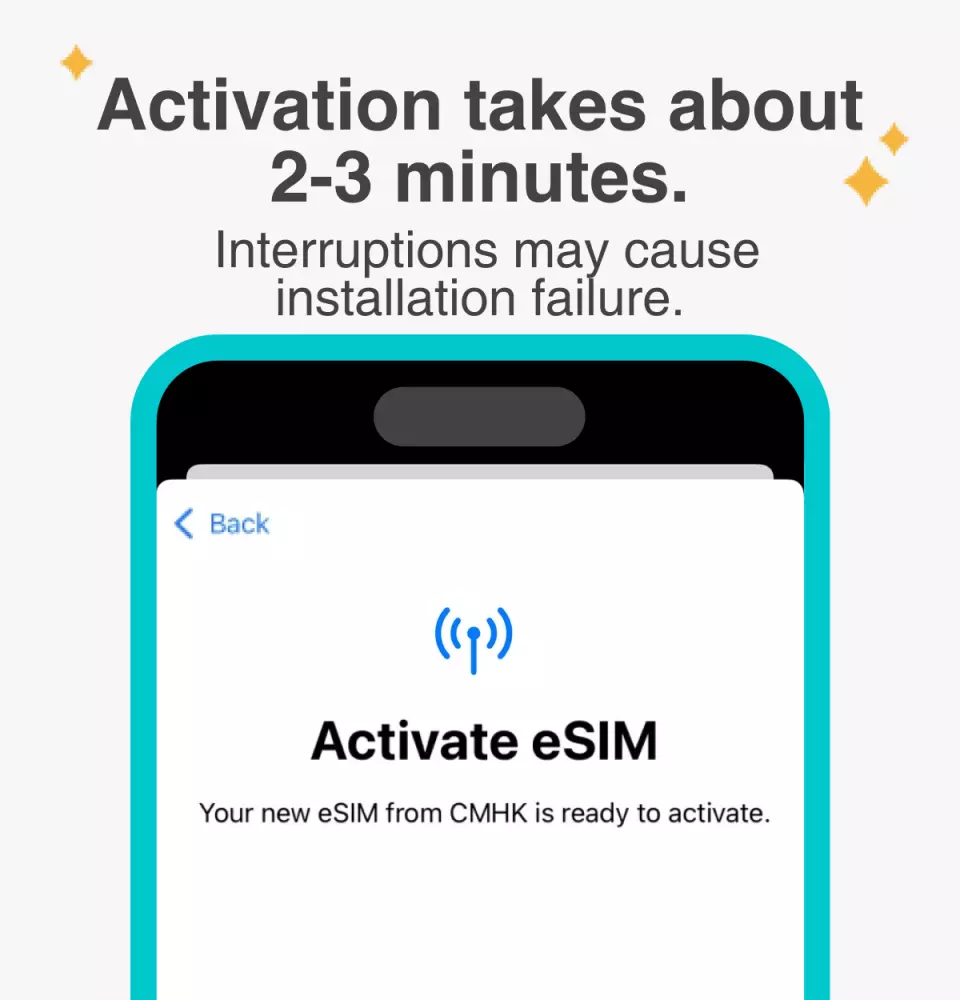
The activation time is about 2-3 minutes, and the installation is likely to fail if the activation screen pops up.

You can customize the eSIM name to facilitate the management of multiple eSIMs


Select the preset number to specify the original main number to receive messages (you need to apply to the original telecommunications operator to activate the international roaming main number before you can receive text messages)


You can specify the primary phone number to use iMessage and Facetime functions


Choose to use eSIM's mobile data. "eSIM's mobile data is not turned on" is a common reason for not being able to access the Internet.


You can also manually add eSIM when you cannot scan the QR Code


After copying the eSIM activation code, please follow the steps to manually add eSIM information.


Purchase Notice
- Before purchasing, please confirm that your mobile phone supports the eSIM function. Since mobile phone models vary from country to country, no cancellation or refund will be made if the phone cannot be used due to device incompatibility.
- iPhones sold in mainland China cannot use eSIM. In Hong Kong and Macau, only iPhone 13 mini, iPhone 12 mini, iPhone SE (2nd and 3rd generation) and iPhone XS offer eSIM functionality. (Please visit Apple's official website for more information)
- Samsung phones have different versions depending on the country of purchase. Currently, the Galaxy Z Flip (SM-F700F) purchased in Taiwan supports eSIM. For other regions, please confirm with Samsung's official website first.
- A QR code can only be scanned and installed once. Once bound, the device cannot be changed or deleted. Once the bound package is deleted, it will become invalid immediately in the device's [Settings-Mobile Services] and needs to be purchased again.
- eSIM expires within 30 days from the date of purchase.
- Provide Chinese, English and Japanese customer service
- You can use *#06# to check whether eSIM is supported: open the dialer on your phone, enter *#06# and press call. Please check whether there is an EID barcode or text. The presence of EID indicates that the phone supports eSIM; however, depending on the telecom operator, manufacturer or OS system, it may still not be usable.
Reminders
Please make sure your phone and its operating system support the eSIM function before purchasing. If you cancel the order due to device incompatibility, no refund will be given.
iOS version 12.1 or later is required; Please note that iPhones sold in Mainland China do not support eSIM. In Hong Kong and Macau, only iPhone 13 mini, iPhone 12 mini, iPhone SE 2020, and iPhone XS have eSIM capabilities
Each QR code can only be scanned once. Once bound, you cannot change the device or delete it. Once deleted, you cannot rescan and install it
An internet connection is required to install the eSIM. Please make sure there is WiFi or mobile data available before installation.
Install and activate immediately. Please install the eSIM after arriving at your destination to avoid premature activation and calculation of the validity period.
The eSIM must be installed and activated at the destination within 30 days of ordering, otherwise it will become invalid and unusable
Please remember to turn off the data roaming of the original SIM card to avoid using the mobile network of the original SIM card and incurring high roaming charges
To end the use of the eSIM plan in your phone, click [Remove Action Plan] at the bottom to remove it.
Please note that the quality of Internet access may be affected by factors such as location, terrain, building shielding, number of users, and weather.
Provide Chinese, English and Japanese customer service
How to Use
- Provide Chinese, English and Japanese customer service
- After the order payment is completed, you will receive a KKday voucher with an eSIM QR code
- Please use your phone's [Settings] to scan the QR code to complete the installation and activation. Do not use your phone's camera function or other APPs to scan the QR code.
- When installing the eSIM, the mobile device must have an Internet connection. Please make sure that the phone is connected to WiFi or has available mobile data before installation.
- Steps to install and activate JetFi eSIM (using iPhone as an example, actual operations may vary)
- Please confirm that your phone is compatible with eSIM
- Phone [Settings] > "Mobile Services" / "Cellular Network" / "Mobile Network" > "Add eSIM" / "Add eSIM" / "Add Mobile Service Plan" / "Add Cellular Network Plan" / "Add Mobile Network Plan"
- Scan QR code
- After confirming "Join Mobile Service Plan"/"Add Cellular Number"/"Join Mobile Network Plan", the phone will show that it is starting up. After the addition is successful, "Mobile Data"/"Cellular Data"/"Mobile Data" will show the [Enabled] status. Before you arrive at your plan destination, we recommend that you turn off your eSIM.
- The names of "Mobile Data"/"Cellular Data"/"Mobile Data" can be modified through "Mobile Plan Label"/"Cellular Number Label"/"Mobile Network Plan Label". We recommend that you rename its label to "Opening Day" (e.g. 0922) for easier identification.
- After arriving at your destination, turn off other SIM cards and only enable this eSIM and its data roaming, and you can access the Internet normally.
- Other notes:
- An internet connection is required to install the eSIM. Please make sure there is WiFi or mobile data available before installation.
- Please do not use your camera or other apps to scan the QR code, it must be done through your phone's settings
- Each QR Code can only be scanned and installed once. After binding, you cannot change the device or delete it. Once deleted, you cannot scan and install again and need to purchase it again
- You can use *#06# to check whether eSIM is supported: open the dialer on your phone, enter *#06# and press call. Please check whether there is an EID barcode or text. The presence of EID indicates that the phone supports eSIM; however, depending on the telecom operator, manufacturer or OS system, it may still not be usable.
- If you encounter any problems, please contact customer service, we will do our best to serve you
Cancellation Policy
- Once the order has been completed, it cannot be canceled, modified, or refunded
- Due to time zone differences, the confirmed cancellation date is based on the supplier’s local time. Please allow 2–5 business days to process your cancellation request, after which the cancellation fee will be charged according to the product’s cancellation policy. Once your refund request is confirmed, KKday will initiate the refund to your original payment method within 15 days. The actual refund timing depends on your card-issuing bank’s policy.
FAQ
1. What are the key features and data speeds of this eSIM for China, Hong Kong, and Macau?
This eSIM offers 4G high-speed internet access across China, Hong Kong, and Macau. Key features include quick and smooth connectivity, eliminating the need to change physical SIM cards. It supports various data plans designed to suit different travel needs, ensuring a hassle-free internet experience throughout your trip.
2. Does this eSIM provide coverage in all three regions: China, Hong Kong, and Macau?
Yes, this eSIM is specifically designed to provide seamless data connectivity across all three regions: mainland China, Hong Kong, and Macau. Travelers can enjoy consistent internet access without needing to switch plans or services when crossing borders between these areas, ensuring continuous connectivity.
3. How do I activate and set up this eSIM for use in China, Hong Kong, and Macau?
Activating this eSIM is a straightforward process. After placing your order, you will receive a voucher containing a QR code. Simply scan this QR code using your compatible device's settings to install the eSIM profile. Ensure you have a stable internet connection during activation. Once installed, follow your device's instructions to select the eSIM for data usage.
4. Which devices are compatible with this China, Hong Kong, and Macau eSIM?
This eSIM is compatible with a wide range of modern smartphones and tablets that support eSIM technology. This includes most Apple iPhone models (XR, XS, 11 series, 12 series, and newer), as well as various Android phones from brands like Samsung, Google Pixel, and Huawei. Please check your device's specifications to confirm eSIM support.
5. Is this eSIM for China, Hong Kong, and Macau a data-only plan?
Yes, this eSIM is designed as a data-only plan, providing high-speed internet access for browsing, messaging, app usage, and other online activities. It does not include a local phone number for making calls or sending SMS services. For voice communication, you can conveniently use internet-based calling applications.
6. Are there any common limitations or potential issues when using an eSIM for international travel?
While eSIMs offer significant convenience, potential considerations include the requirement of an initial internet connection for setup. Additionally, older devices may not support eSIM technology, so ensuring device compatibility is crucial. An eSIM profile is also typically linked to one device at a time, which requires careful management if transferring to another phone.
7. How can I purchase and receive this eSIM for China, Hong Kong, and Macau?
You can conveniently purchase this eSIM through KKday. The entire process is digital: simply select your desired data plan and complete the order online. Once purchased, you will instantly receive a voucher containing the eSIM's QR code via email or directly through the platform, eliminating the need for physical card pickup or delivery and offering immediate access to activate your service.
8. What kind of data plans are available with this China, Hong Kong, and Macau eSIM?
This eSIM offers flexible data plan options to suit diverse travel needs. You can choose between daily high-speed 1GB plans, which refresh each day, or an unlimited data "all-you-can-eat" plan for continuous high-speed internet access. These options provide flexibility whether you need moderate daily usage or extensive data for your entire trip.


