앱 다운로드
본 페이지는 한국어로 최적화 중이에요. 일부 내용은 자동 번역되었습니다.
상품 번호 #622025
6
Thailand Travel eSIM | TrueMove Local Network | Unlimited Data and Total Data Plan | No eKYC Verification and QR Code Setup

Thailand Travel eSIM | TrueMove Local Network | Unlimited Data and Total Data Plan | No eKYC Verification and QR Code Setup


English 가이드
취소 불가
현장에서 전자바우처를 제시해주세요.

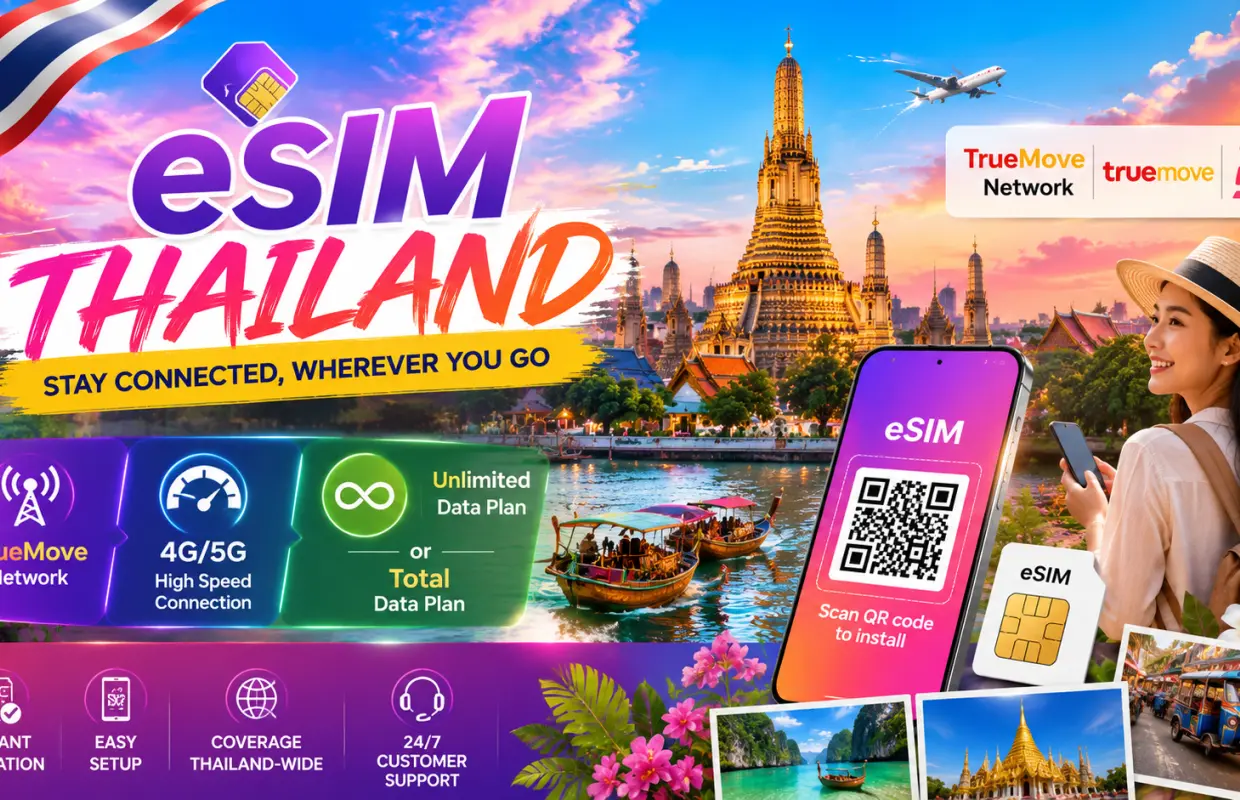
  • Stay connected across Thailand with reliable 4G mobile data on the TrueMove network. 
  • No eKYC or identity verification required for quick and hassle-free activation. 
  • Non-roaming local data for faster, more stable connectivity throughout Thailand. 
  • Receive your eSIM QR code instantly after completing your purchase. 
  • Keep your physical SIM card while enjoying mobile data through your eSIM. 
  • Activate your eSIM in just a few minutes with a simple QR code installation. 
  • No registration, no physical SIM collection, and no hidden fees. 
  • Dedicated customer support is available if you need assistance with installation or activation.
앱 첫 구매 시, 해외상품 최대 10% 할인 [코드 : APPFIRSTBUY]
즉시 확정

옵션 선택

상품 설명

Please carefully check the steps and important notes before setting up eSIM.

Check eSIM Device Compatibility

Check eSIM Device Compatibility

eSIM Registration Steps for IOS

eSIM Registration Steps for IOS

eSIM Registration Steps for Android

eSIM Registration Steps for Android

유의사항

  • Please carefully check if eSIM is compatible with your phone. 
  • eSIM QR Code cannot be refunded or cancelled once registered. 
  • eSIM should be activated within 30 days upon booking. 
  • eSIM QR Code can only be used on 1 device only. 
  • eSIM can only be connected after your arrival upon the destination.

유의사항

이용방법

Before installation, make sure your phone supports eSIM, is unlocked, and connected to stable Wi-Fi. For iOS: Go to Settings → Cellular / Mobile Data → Add eSIM → Use QR Code, then scan the eSIM QR code. For Android: Go to Settings → Connections / Network & Internet → SIM Manager / SIMs → Add eSIM / Download a SIM, then scan the QR code. If the eSIM does not connect automatically, set the APN manually using the APN information shown on your voucher, then restart your phone. Do not delete the eSIM after installation. Each QR code can only be installed once on one device.

바우처 이용방법

  • 현장에서 전자바우처를 제시해주세요.

위치 안내

장소명: Bangkok

주소: Bangkok, Thailand


도움을 받기

도움이 필요하신가요?