
アプリ初回クーポン
商品番号 #622025
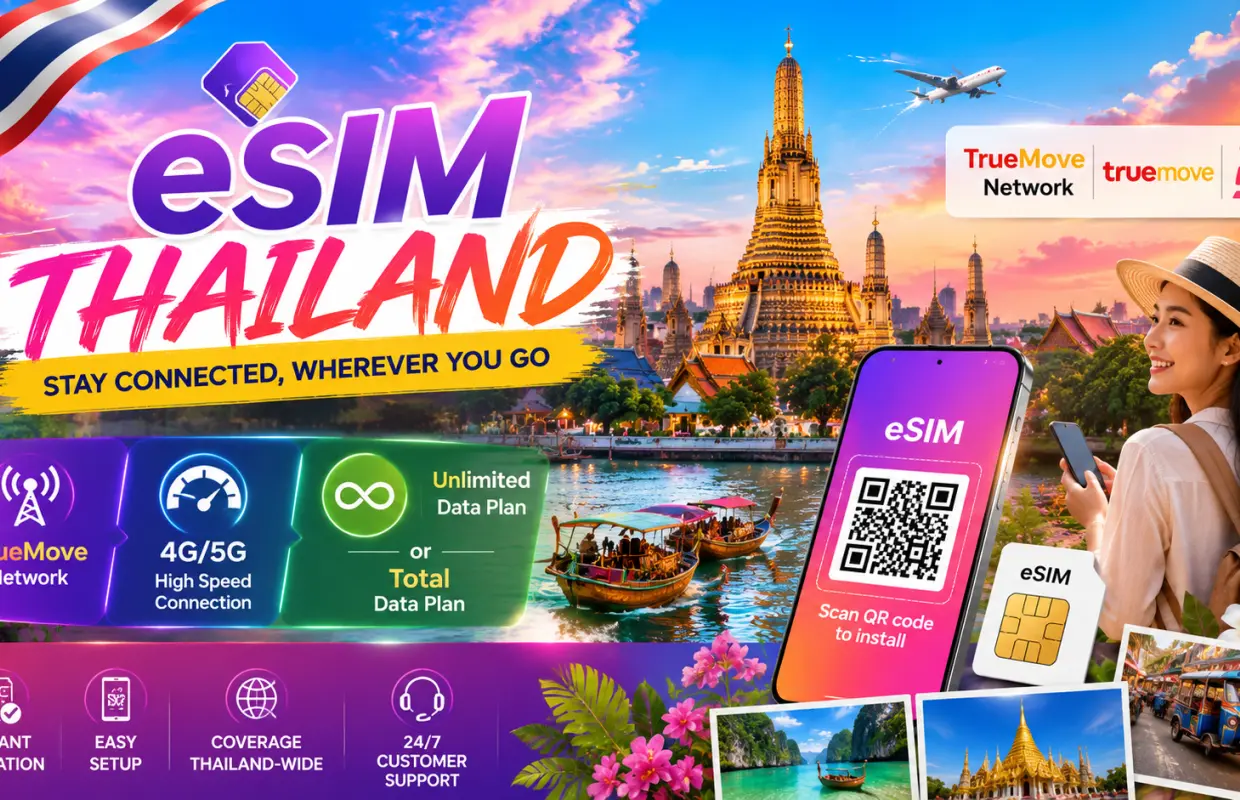


タイ旅行用eSIM | TrueMoveローカルネットワーク | 無制限データプランとトータルデータプラン | eKYC認証とQRコード設定不要
案内言語:英語
キャンセル・変更不可
電子バウチャーを現地でご提示ください
- TrueMoveネットワークの信頼性の高い4Gモバイルデータ通信で、タイ全土で接続を維持しましょう。
- 迅速かつ手間のかからないアクティベーションのために、eKYCや本人確認は不要です。
- タイ全土でより高速で安定した接続を実現する、ローミング不要のローカルデータ通信。
- ご購入手続き完了後、すぐにeSIMのQRコードが届きます。
- 物理SIMカードはそのままお使いいただけます。eSIMを通してモバイルデータ通信をお楽しみください。
- QRコードを使った簡単なインストールで、わずか数分でeSIMを有効化できます。
- 登録不要、SIMカードの物理的な受け取り不要、隠れた料金も一切ありません。
- インストールやアクティベーションに関してサポートが必要な場合は、専用のカスタマーサポートをご利用いただけます。
プラン選択
商品説明
eSIMを設定する前に、手順と重要事項をよく確認してください。特に以下の点にご注意ください。
- 無制限データプラン(15日間および30日間パッケージ)とトータルデータプラン(35GB/7日間および50GB/10日間パッケージ)の場合、有効期間はeSIMが最初に使用された時期に関係なく、デバイスへのインストール/アクティベーション直後から開始されます。

eSIM対応デバイスの互換性を確認する

iOS向けeSIM登録手順

Android端末でのeSIM登録手順
購入/予約前の確認事項
- お使いの携帯電話がeSIMに対応しているかどうかをよくご確認ください。
- eSIMのQRコードは、登録後は返金またはキャンセルできません。
- eSIMは予約後30日以内に有効化する必要があります。
- eSIMのQRコードは、1台のデバイスでのみ使用できます。
- eSIMは、目的地に到着してから接続できます。
注意事項
商品の利用方法
インストール前に、お使いのスマートフォンがeSIMに対応していること、SIMロックが解除されていること、安定したWi-Fiに接続されていることを確認してください。iOSの場合:設定 → モバイル通信 → eSIMを追加 → QRコードを使用 に進み、eSIMのQRコードをスキャンします。Androidの場合:設定 → 接続 / ネットワークとインターネット → SIMマネージャー / SIM → eSIMを追加 / SIMをダウンロード に進み、QRコードをスキャンします。eSIMが自動的に接続されない場合は、バウチャーに記載されているAPN情報を使用してAPNを手動で設定し、スマートフォンを再起動してください。インストール後、eSIMを削除しないでください。各QRコードは、1台のデバイスに1回のみインストールできます。
バウチャーの使用方法
- 電子バウチャーを現地でご提示ください


