

【50% Off】Europe Multi-Country eSIM | 30-90 Day Data & Call Plans | Orange Holiday Native Network | ChatGPT Supported
- KKday Europe eSIM provides 4G/5G service and supports hotspot sharing.
- KKday Europe eSIM uses the native Orange Holiday network. Simply scan the QR code from your voucher to install and use.
- KKday Europe eSIM offers various plans: 30-day options with 20/50/100/200GB, or a 90-day 500GB plan.
- eSIM functionality is not available on phones from China, Hong Kong, or Macau. Please check your device compatibility before purchasing. If you cannot set up the eSIM on your iPhone, please refer to the Apple Official Website for instructions.
Pilih paket
Deskripsi Produk

Please confirm that the mobile phone can support eSIM before purchasing. The order cannot be canceled and refunded after ordering.
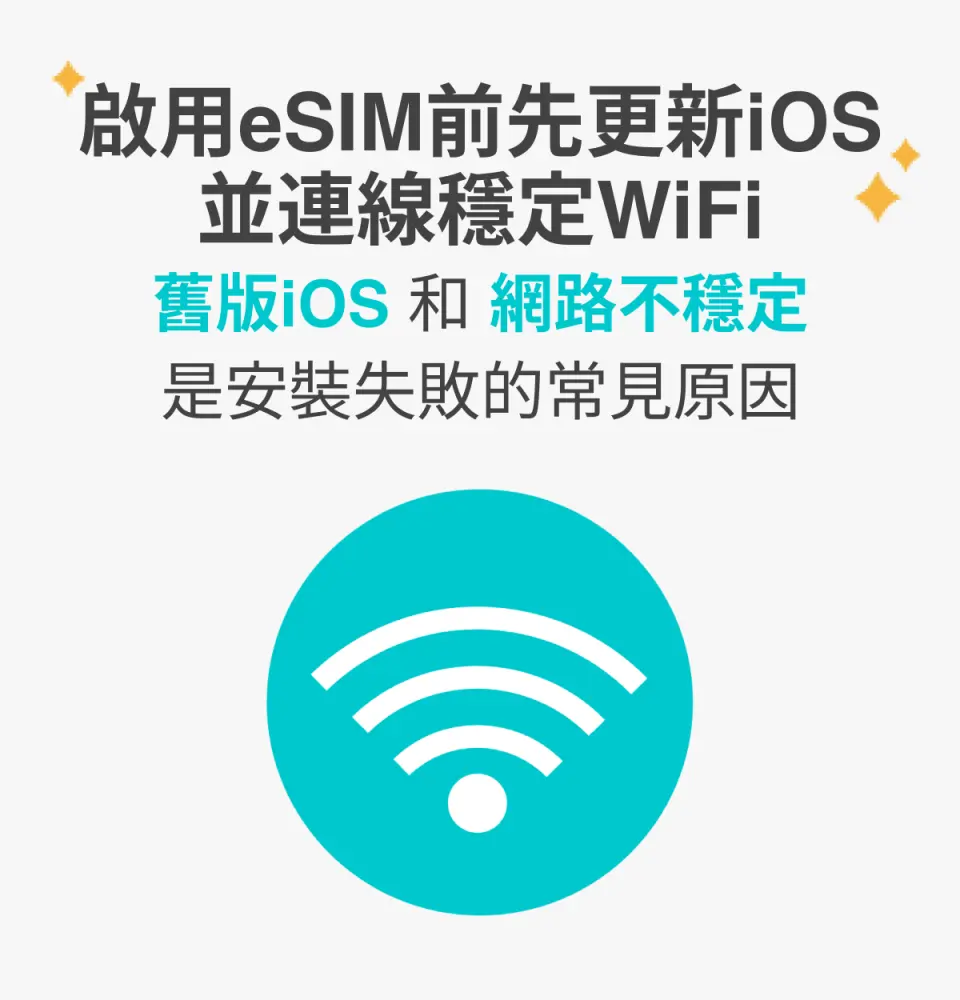
Before enabling eSIM, please update iOS to the latest version and connect to a stable WiFi. Old versions of iOS and unstable network are common reasons for eSIM activation failure.

Turn on the camera to scan the eSIM and click "Action Plan".

The activation time is about 2-3 minutes. The activation screen will pop up and the installation may fail.

Customizable eSIM names to facilitate management of multiple eSIMs
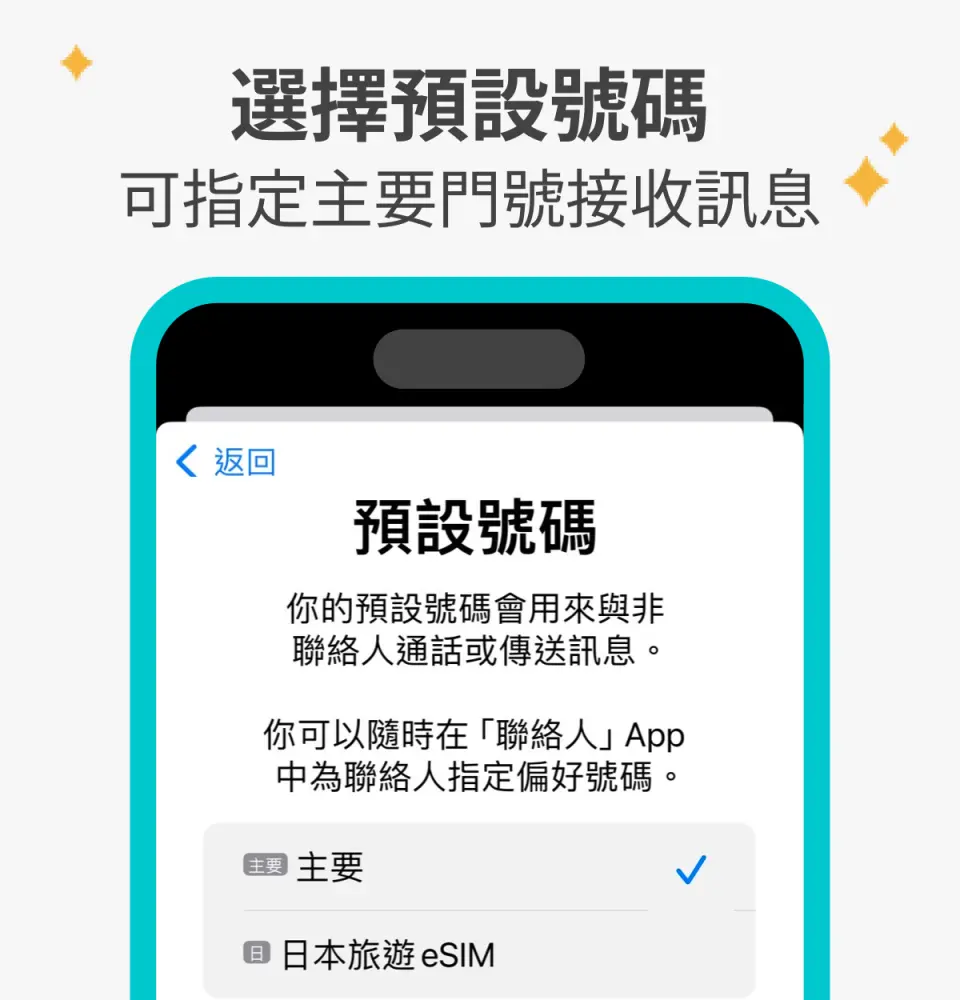
Select the default number to specify the original main phone number to receive messages (you must first apply to the original telecom operator to activate the main phone number for international roaming before you can receive text messages)

You can specify the main phone number to use iMessage and Facetime functions

If you choose to use eSIM mobile data, "eSIM mobile data is not turned on" is a common reason for being unable to access the Internet.
Pemberitahuan pembelian
- The order cannot be canceled and refunded after sending eSIM. Please confirm that the mobile phone can use eSIM first (iPhone and Android mobile phones sold in China, Hong Kong, and Macau do not support the eSIM function; most Android mobile phones sold in Taiwan do not support eSIM)
- For Android phones that can use eSIM, please refer toFigure 1 andFigure 2 for the steps to manually enter the activation code.
- The days will start counting after scanning the QR Code. It is recommended to join the QR Code plan one day in advance or arrive at the local area.
- After turning on roaming, restart the phone and enter the default PIN code 0000 to connect to the Internet.
- Hotspot sharing: only supports one device, and due to the model, it is not guaranteed that all devices can be shared.
- Before purchasing, please confirm whether the mobile phone supports the use of eSIM! Some mobile phones in China, Hong Kong and Macau do not have eSIM function, please confirm before purchasing.
- Once you receive the voucher, you can scan, install and use it. It is super convenient to switch directly to your mobile phone without removing the SIM card.
- Please save this QR Code. Once scanned, it will become invalid and cannot be reissued. Please install according to the instructions and do not jump out of the screen during the process to avoid misjudgment by the phone and causing the eSIM solution to be deleted.
- A QR Code can only be scanned once with one mobile phone and cannot be changed after binding.
- This is a one-time product, does not apply to the appreciation period, and cannot be canceled. Please do not delete it after installation is complete, as reissue and refund are not possible.
- The quality of telecommunication networks varies from country to country, and network speeds will also vary depending on factors such as terrain, climate, building coverage, number of users, location, etc. The region and telecommunications construction of each country are different, and it cannot be determined by the signal in a few areas. Requesting a refund due to the situation
Pengingat
Before purchasing, please enter "*#06#" on the mobile phone dial pad. If the EID serial number is displayed, you can use eSIM.
When activating eSIM, please connect to a stable WiFi first to avoid activation failure caused by network instability. After the eSIM expires, it cannot be reissued.
The day you scan the QRCode is considered the first day of use. It is recommended to scan the code and install it before departure or after arriving at the destination to avoid activating it in advance and affecting your usage rights. One day is midnight at 0:00 Taiwan time (GMT+8), not 24 hours. system.
How to calculate the number of days: Assuming it is activated at 09:00 on the 1st, the first day ends at 23:59 on the 1st; the card will expire at 12:00 in the evening on the selected days.
Kebijakan pembatalan
- Setelah pesanan selesai, pesanan tidak dapat dibatalkan, diubah, atau dikembalikan dananya
- Karena perbedaan zona waktu, tanggal pembatalan yang dikonfirmasi didasarkan pada waktu setempat pemasok. Harap beri waktu 2–5 hari kerja untuk memproses permintaan pembatalan Anda, setelah itu biaya pembatalan akan dikenakan sesuai kebijakan pembatalan produk. Setelah pembatalan dikonfirmasi, Anda akan menerima pengembalian dana dalam 14 hari kerja.


