

【48% Off% off】Thailand SIM Card|Thailand DTAC 10-day unlimited eSIM
- A new choice for Internet access, no need to change cards, enjoy 4G Internet access quickly and neatly, no need to rush around
- Once you receive the voucher, you can scan it and install it. You don’t have to run back and forth to get the physical card or wait for physical delivery.
- Environmentally friendly, no consumables, free shipping, zero risk of loss
Seleccionar plan
Product Info
- This plan provides 50GB/10Days of high-speed traffic. Due to the operator's planning, starting from 2025/01/01, this plan will be an unlimited plan without speed reduction. The end time of the plan activity is subject to the supplier's announcement. After the order is placed, it must be activated within 30 days, and the traffic validity period will be calculated from the moment of activation. It is recommended that you activate it on the day of departure.
- When you activate this eSIM in the destination country, you will receive a text message with instructions for use, so please pay attention.
- Once this plan is purchased, no refund will be given regardless of whether traffic is generated.

Please confirm that the mobile phone can support eSIM before purchasing. The order cannot be canceled and refunded after ordering.

Before enabling eSIM, please update iOS to the latest version and connect to a stable WiFi. Old versions of iOS and unstable network are common reasons for eSIM activation failure.

Turn on the camera to scan the eSIM and click "Action Plan".
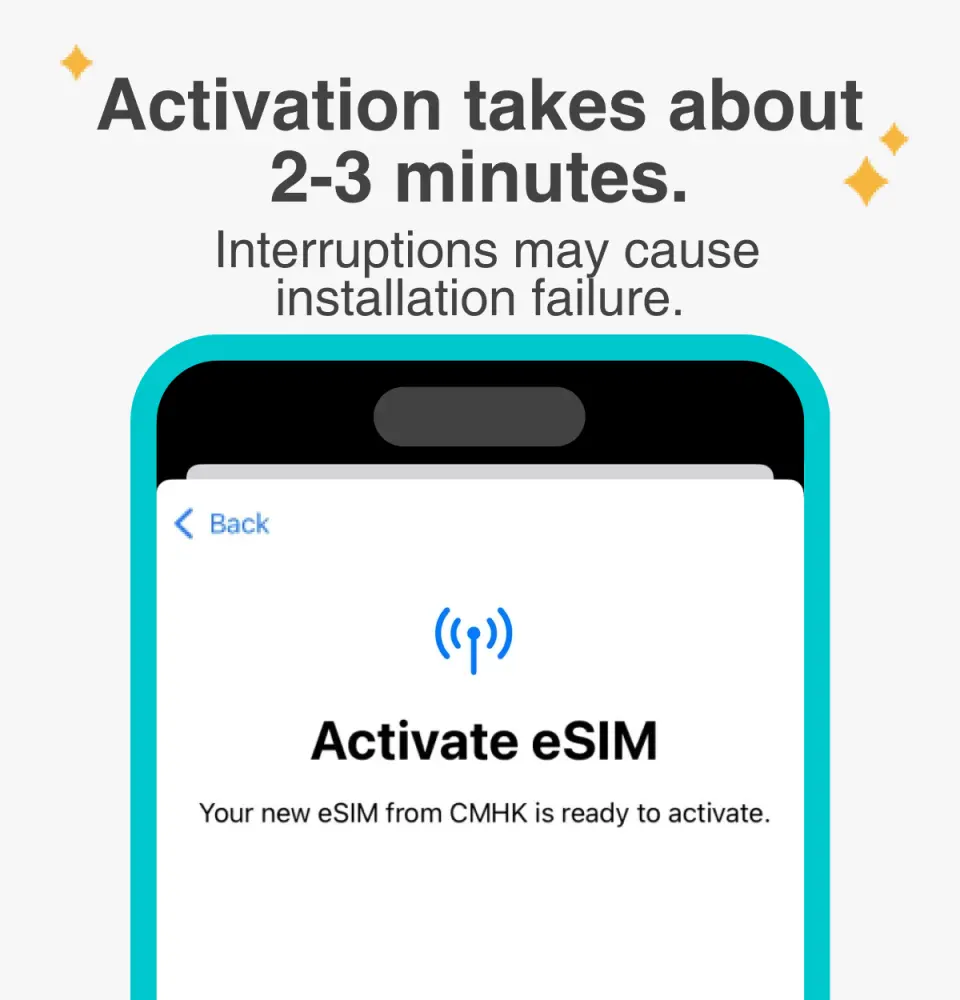
The activation time is about 2-3 minutes. The activation screen will pop up and the installation may fail.

Customizable eSIM names to facilitate management of multiple eSIMs

Select the default number to specify the original main phone number to receive messages (you must first apply to the original telecom operator to activate the main phone number for international roaming before you can receive text messages)

You can specify the main phone number to use iMessage and Facetime functions

If you choose to use eSIM mobile data, "eSIM mobile data is not turned on" is a common reason for being unable to access the Internet.

You can also manually join eSIM when you cannot scan the QR Code

After copying the eSIM activation code, please follow the steps to manually add the eSIM information.
Purchase Notice
- Please confirm that your mobile phone supports the eSIM function before purchasing. Since mobile phone models have different versions in different countries, if the device cannot be used due to incompatibility, no refunds will be issued.
- iPhones sold in mainland China cannot use eSIM. In Hong Kong and Macau, only iPhone 13 mini, iPhone 12 mini, iPhone SE (2nd and 3rd generation) and iPhone XS provide eSIM functionality. (Please go to Apple’s official website to check)
- Samsung mobile phones have different versions depending on the country of purchase. Samsung mobile phones purchased in Taiwan currently support eSIM, Galaxy Z Flip (SM-F700F). For other regions, please check with Samsung’s official website first.
- A QR code can only be scanned and installed once. After binding, the device cannot be changed or deleted. After the bound package is deleted, it will immediately become invalid in the device's [Settings - Mobile Services] and needs to be purchased again.
- eSIM expires within 30 days from the date of purchase.
- Provide customer service in Chinese, English and Japanese
- You can use the *#06# method to check whether eSIM is supported: Open the dialer on your phone, enter *#06# and press call. Please confirm whether the EID barcode or text appears. There is an EID, which means the phone supports eSIM; however, it may not be usable depending on the carrier, manufacturer, or OS system.
Reminders
Days are calculated based on the natural day system. The first day is from the day when the eSIM is activated to 23:59 (UTC+8).
Please make sure your mobile phone and its operating system support the eSIM function before purchasing. No refunds will be issued if the order is canceled due to device incompatibility.
iOS requires version 12.1 or higher; please note that iPhones sold in mainland China do not support eSIM. In Hong Kong and Macau, only iPhone 13 mini, iPhone 12 mini, iPhone SE 2020 and iPhone XS have eSIM functionality
Each QR code can only be scanned once. After binding, the device cannot be changed or deleted. Once deleted, it cannot be rescanned and installed.
An internet connection is required to install an eSIM. Please make sure there is WiFi or mobile data available before installation. The eSIM is activated after installation. Please install the eSIM after arriving at your destination to avoid premature activation and calculation of the validity period.
It must be installed and activated at the destination within 30 days after ordering, otherwise the eSIM will become invalid and cannot be used.
Please remember to turn off data roaming on the original SIM card to avoid using the mobile network of the original SIM card and incurring high roaming charges.
To end the use of the eSIM plan that can be used on the phone, click [Remove Action Plan] at the bottom to remove it.
Please note that the signal may affect the quality of the Internet depending on factors such as location, terrain, building coverage, number of users, weather, etc.
Provide customer service in Chinese, English and Japanese
How to Use
- Provide customer service in Chinese, English and Japanese
- After the order payment is completed, you will receive a KKday voucher with the eSIM QR code.
- Please use your phone's [Settings] to scan the QR code to complete the installation and activation. Do not use the camera function in your phone or other APPs to scan the QR code.
- When installing eSIM, the mobile phone device must have Internet access. Before installation, please make sure that the phone is connected to WiFi or has available mobile data.
- Steps to install and activate JetFi eSIM (taking iPhone as an example, actual operations may be different)
- Please confirm that your mobile phone supports eSIM
- Mobile phone [Settings] > "Mobile Services"/"Cellular Network"/"Mobile Network" >"Add eSIM"/"Add eSIM"/"Join Mobile Service Plan"/"Add Cellular Network Plan"/"Join Mobile Internet Plan
- Scan QR code
- After confirming "Join Mobile Service Plan"/"Add Cellular Number"/"Join Mobile Network Plan", the mobile phone will display Activating. After the addition is successful, "Mobile Data"/"Cellular Data"/"Mobile Data" will display "Enabled" 】state. Before arriving at the package destination, we recommend that you turn off eSIM first
- The "Mobile Data"/"Cellular Data"/"Mobile Data" name can be modified through the "Mobile Plan Tag"/"Cellular Number Tag"/"Mobile Network Plan Tag". We recommend that you rename its label to "Opening Date" (for example: 0922) for easier identification.
- After arriving at the destination, turn off other SIM cards, enable only this eSIM and its data roaming, and then you can surf the Internet normally.
- Other notes:
- Installing eSIM requires an Internet connection. Please confirm that there is available WiFi or available mobile data in the environment before installation.
- Please do not use your camera or other APP to scan the QR code, it must be done through your phone's settings
- Each QR Code can only be scanned and installed once. After binding, the device cannot be changed or deleted. Once deleted, it cannot be rescanned and installed and needs to be purchased again.
- You can use the *#06# method to check whether eSIM is supported: Open the dialer on your phone, enter *#06# and press call. Please confirm whether the EID barcode or text appears. There is an EID, which means the phone supports eSIM; however, it may not be usable depending on the carrier, manufacturer, or OS system.
- If you encounter any problems, please contact customer service and we will do our best to serve you
Cancellation Policy
- Once the order has been completed, it cannot be canceled, modified, or refunded
- Due to time zone differences, the confirmed cancellation date is based on the supplier’s local time. Please allow 2–5 business days to process your cancellation request, after which the cancellation fee will be charged according to the product’s cancellation policy. Once your refund request is confirmed, KKday will initiate the refund to your original payment method within 15 days. The actual refund timing depends on your card-issuing bank’s policy.


