
![[50% Off% Off Special Offer] Russian eSIM | Beeline 4G/5G Native eSIM](https://image.kkday.com/v2/image/get/c_fill%2Ch_800%2Cq_55%2Ct_webp%2Cw_2280/s1.kkday.com/product_573667/20260304054954_x17Tz/png)
[50% Off% Off Special Offer] Russian eSIM | Beeline 4G/5G Native eSIM
- Using local Beeline telecom resources, signal strength is guaranteed.
- You can set up an eSIM simply by scanning a QR code, eliminating the hassle of changing your SIM card.
- Supports hotspot sharing
Product Info
The content of this product is provided by machine translation and may not reflect the actual information, please take this into consideration before booking.
Please confirm that your phone is eSIM compatible before purchasing (cancellations are not accepted after purchase).



Frequently Asked Questions


Purchase Notice
- Before purchasing, please ensure your phone supports eSIM functionality.
- Please dial *#06# on your mobile phone. If EID is displayed, it means your phone supports eSIM; if not, it does not support eSIM.
- This product only includes data services and does not provide call or SMS functions.
- Please confirm that the selected data plan is correct before placing your order. Once the voucher is sent, cancellations will not be accepted.
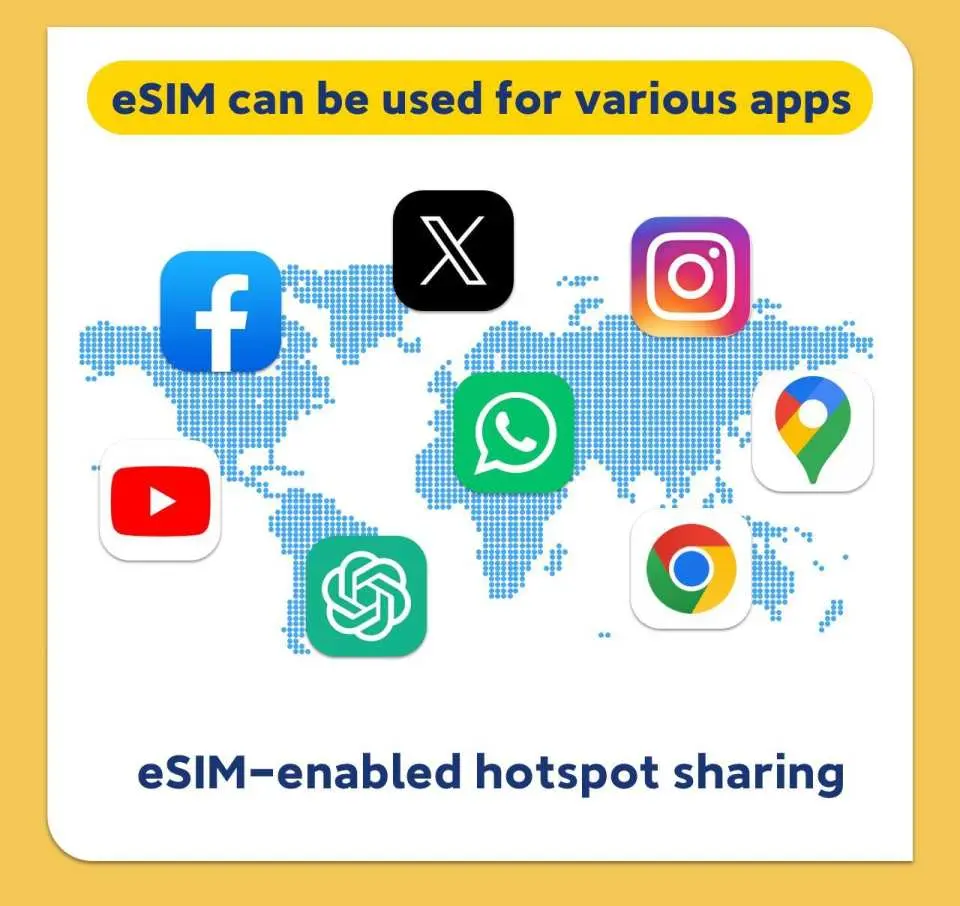
- Due to local policies and network conditions, some applications (including but not limited to Google, LINE, Facebook, Instagram, YouTube, ChatGPT, etc.) may experience connection restrictions or be unavailable. Actual availability depends on the local network environment.
- If your location or mobile phone does not support 5G, it will automatically switch to 4G/3G signal. The actual network speed depends on the local signal.
Reminders
Please dial *#06# on your mobile phone. If EID is displayed, it means your phone supports eSIM; if not, it does not support eSIM.
Once the QR code is scanned and the order is successfully downloaded, cancellation and refunds are not possible.
Installing an eSIM requires a network connection. Please ensure there is available Wi-Fi or mobile data in your environment before installation.
Please install and use the eSIM within 30 days of receiving it; otherwise, it will become invalid.
Each QR code can only be scanned once, and once bound, it cannot be changed to a different device or deleted.
iOS version 12.1 or later is required. Please note that iPhones sold in mainland China do not support eSIM. In Hong Kong and Macau, only the iPhone 13 mini, iPhone 12 mini, iPhone SE 2020, and iPhone XS have eSIM functionality.
Samsung phones vary by country. Samsung phones purchased in Taiwan do not support eSIM. For other regions, please check with the Samsung website first.
Due to local policies and network conditions, some applications (including but not limited to Google, LINE, Facebook, Instagram, YouTube, ChatGPT, etc.) may experience connection restrictions or be unavailable. Actual availability depends on the local network environment.
If your location or mobile phone does not support 5G, it will automatically switch to 4G/3G signal. The actual network speed depends on the local signal.
Please be aware that communication quality is affected by different usage environments, and network speed will vary depending on factors such as terrain, climate, building obstruction, number of users, and location.
To ensure all users have a fair use of mobile network services at all times, each telecommunications operator has its own fair usage agreement to regulate fair network usage. If a user consumes excessive data in a congested area within a short period, causing other users to be unable to use the service normally, the telecommunications company may temporarily throttle the speed. We will not be able to intervene in this matter, and your mobile network may be temporarily affected.
Cancellation Policy
- Once the order has been completed, it cannot be canceled, modified, or refunded
- Due to time zone differences, the confirmed cancellation date is based on the supplier’s local time. Please allow 2–5 business days to process your cancellation request, after which the cancellation fee will be charged according to the product’s cancellation policy. Once the cancellation is confirmed, you will receive your refund within 14 working days.
FAQ
Yes, popular messaging apps such as Line and WhatsApp are generally functional in Russia when using an eSIM. You can typically use them for sending messages, making calls, and sharing media without significant issues. It's always advisable to download and update these apps before your trip to ensure smooth operation.
Access to Google services like Google Search, Maps, and Gmail is generally available in Russia when using a local eSIM. However, some specific Google services or certain international platforms might experience occasional restrictions due to local regulations. Having a VPN installed as a backup can sometimes help with broader access, though it's not always necessary for basic functions.
The recommended data volume for a Russia eSIM depends on your planned usage. For light use (messaging, light browsing, maps), 3-5 GB for a week might suffice. Moderate use (social media, some video streaming) could require 10-15 GB. Heavy users or those sharing hotpots should consider 20 GB or more. Estimating your daily data needs for navigation, communication, and entertainment is key.
While a Russia eSIM provides internet access, certain content or websites might be subject to local government regulations or censorship. This can occasionally affect access to some news sites, specific social media platforms, or apps not compliant with local laws. For general travel needs like navigation and communication, connectivity is usually stable.
To optimize your Russia eSIM data, consider these strategies: download maps and media offline before your trip, connect to Wi-Fi whenever available, disable background app refresh, and limit high-data activities like video streaming or large downloads over mobile data. Adjusting app settings to reduce data consumption can also significantly extend your plan's life.
The Russia eSIM utilizes Beeline's local network, providing reliable 4G/5G coverage, especially in major cities and popular tourist areas. As a native resource, it offers a strong and stable signal for consistent internet access. In more remote or rural regions, like with any mobile network, coverage might vary, so it's advisable to check specific area coverage if you plan extensive off-the-beaten-path travel.
Setting up the Russia eSIM is straightforward and eliminates the need for a physical SIM card or adapter. You typically receive a QR code via email; simply scan it with your compatible smartphone, follow the on-screen instructions to activate the profile, and connect to the local network. This makes switching to a local plan convenient and hassle-free, removing concerns about losing your original SIM.
Yes, the Russia eSIM supports mobile hotspot sharing. This feature allows you to connect other devices, such as laptops, tablets, or other smartphones, to your eSIM's internet connection. It's a convenient way to ensure all your devices stay connected without needing multiple eSIMs, though sharing data will consume your plan more quickly.
Get Help


