
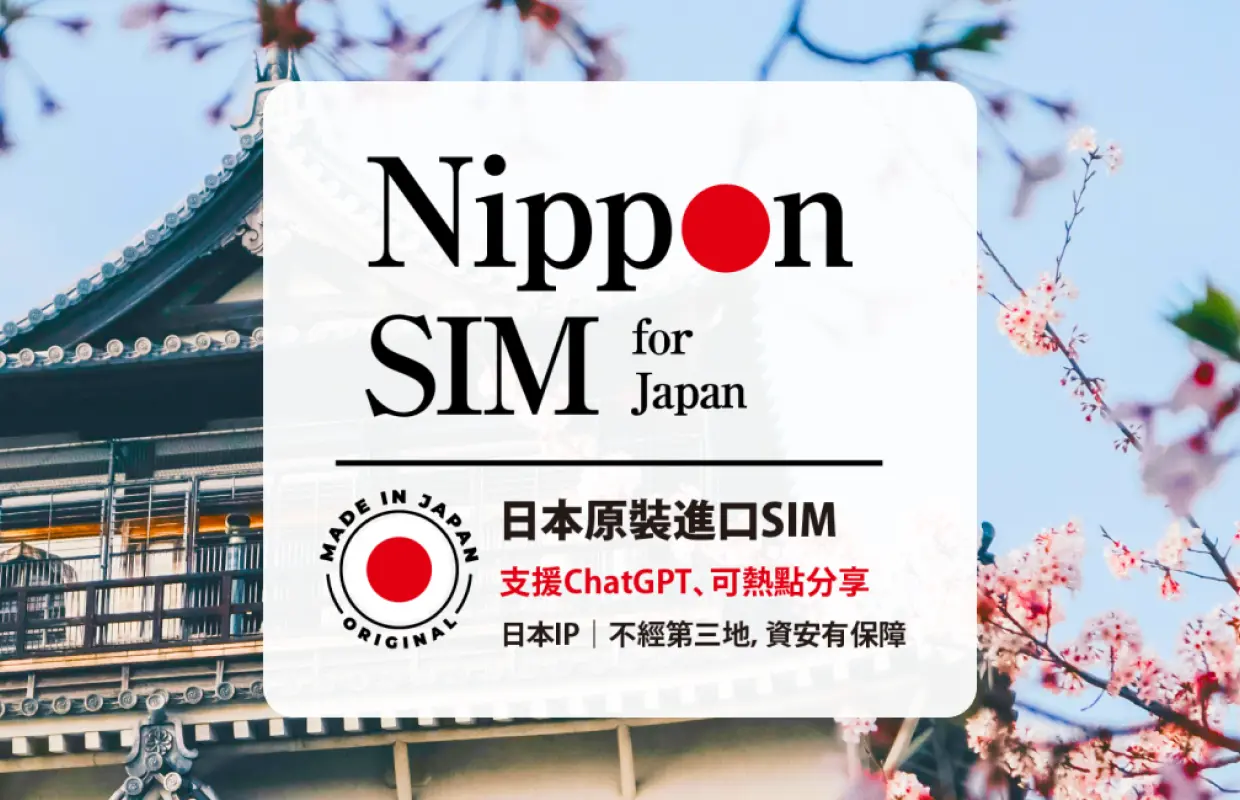


Japanese SIM card | Docomo/Softbank native 5G/4G, 5-60 days warranty, supports ChatGPT | Shipped from Taiwan/Hong Kong
- Japan Docomo/Softbank native network, no need to enable data roaming
- ChatGPT can be used, hotspot sharing can be done, Japanese IP is safe and reliable
- Operated by Japan's DHA Corporation
- Provide Chinese, English and Japanese customer service after-sales service
Package Options
Product Info
The content of this product is provided by machine translation and may not reflect the actual information, please take this into consideration before booking.
If Docomo hotspot sharing does not work properly, please enter the APN information in the three fields of "Mobile Data" > "LTE Settings" > "Personal Hotspot": m-air.jp


Purchase Notice
- This product is shipped from Taiwan/Hong Kong. If you are unable to receive the product in Taiwan/Hong Kong, it is not recommended to purchase this product.
- Once the product has been opened, returns and exchanges are not possible. We apologize for the inconvenience.
- Customer service available in Chinese/Taiwanese/English/Japanese
- This product is not applicable to SIM card locked devices (please refer to the solution description for details). If it is a dual-SIM device, please insert the card into the SIM 1 card slot when using it.
- Google Pixel phones do not support Softbank SIM cards; please use the Docomo plan.
- [Docomo Japan Signal Upgrade Announcement] Starting April 1, 2026, 3G signal service has been completely shut down and replaced entirely by 4G/LTE, resulting in a more stable connection. If you encounter connection problems after arriving in Japan, simply restart your phone or toggle airplane mode on and off to re-establish a signal.
Reminders
This product is shipped from Taiwan/Hong Kong. If you cannot receive the goods in Taiwan/Hong Kong, it is not recommended to purchase this product.
We apologize for your understanding and cannot handle returns or exchanges after the product has been unpacked.
If there is a problem with the use of the network card, please contact customer service immediately. Cancellations and refunds without contact will not be accepted.
Please be aware that the signal may affect the quality of the Internet depending on factors such as location, terrain, building coverage, number of users, weather, etc.
All Nippon SIM SIM/eSIM are Japanese IP native cards and can use ChatGPT normally.
[Docomo Japan Signal Upgrade Announcement] Starting April 1, 2026, 3G signals have been completely shut down. Service is now entirely carried by 4G/LTE, providing a more stable connection. If you encounter connection problems after arriving in Japan, simply restart your phone or toggle airplane mode on and off to regain a signal.
How to Use
- Provide Chinese/Taiwanese/English/Japanese customer service
- Instructions
- No configuration is required for the Softbank network card.
- If your phone forcibly turns off the hotspot due to a Docomo network card, please make the following settings and restart the phone.
"Settings" > "Mobile Network" > "Select this plan" > "Mobile Data Network" > Fill in the APN information in the "Mobile Data", "LTE Settings", and "Personal Hotspot" fields: m-air.jp - Instructions for using the Docomo network card are as follows (please refer to the instructions in the package for details):
- iOS system -
- Remove the SIM card chip, insert it and start the device. (If it is a dual-SIM device, please insert the card into the SIM 1 card slot when using it)
- After inserting the card, it will automatically connect to the network or you can connect to the network after setting the APN. (For details of APN, please see the product packaging)
- Android -
- Remove the SIM card chip, insert it and start the device. (If it is a dual-SIM device, please insert the card into the SIM 1 card slot when using it)
- You can connect to the Internet after setting APN. (For details of APN, please see the product packaging)
- After inserting the card, the APN will usually be automatically identified. If not, please complete the setting as follows:
iOS: Go to Settings > Mobile Networks > the SIM card you want to use. Turn off Data Roaming for the plan and select Mobile Data Network. Fill in the following information in the [Mobile Data], [LTE Settings], and [Personal Hotspot] fields:
APN: m-air.jp
*Please note: Username and password must be left blank
Android: Settings > Network & Internet > Internet > SIM card gear > Scroll to the bottom and find [Access Point Name]
Click the [+] sign or [Add] in the upper right corner and set the following settings:
Name: Nippon SIM
APN: m-air.jp
Authentication method: CHAP
Keep the other fields as default or leave them blank, then tap [⋮] in the upper right corner, then [Save] and turn off SIM card roaming.
If the above settings do not allow you to connect successfully, please switch the authentication method to PAP, CHAP, PAP, or CHAP in sequence and try connecting again.
Cancellation Policy
- Once the order has been completed, it cannot be canceled, modified, or refunded
- Due to time zone differences, the confirmed cancellation date is based on the supplier’s local time. Please allow 2–5 business days to process your cancellation request, after which the cancellation fee will be charged according to the product’s cancellation policy. Once your refund request is confirmed, KKday will initiate the refund to your original payment method within 15 days. The actual refund timing depends on your card-issuing bank’s policy.
FAQ
1. Can foreigners easily purchase and use a Japan SIM card for travel?
Yes, foreigners can easily purchase and use Japan SIM cards. Many providers offer options specifically designed for tourists, making it straightforward to acquire a SIM card with a valid passport. These tourist SIM cards typically do not require a long-term contract or Japanese residency, focusing on temporary data access for visitors.
2. What are the key differences between using a Japan SIM card and pocket WiFi for internet access?
A Japan SIM card provides direct internet access for a single device, as long as your phone is unlocked, and can often be used for hotspot sharing. Pocket WiFi, conversely, is a portable device that creates a WiFi hotspot, allowing multiple devices to connect simultaneously. SIM cards offer device independence, while Pocket WiFi can be more convenient for groups sharing one connection. Both utilize local high-speed networks.
3. How much data is typically recommended for a Japan SIM card during a multi-week trip?
For a multi-week trip to Japan, a daily high-speed data plan of 1-3GB or a total data plan of 20-50GB is generally recommended. This allows for daily navigation, social media use, communication, and occasional streaming without constant worry. Usage varies per individual, but these ranges provide a good balance for typical tourist needs, ensuring stable connectivity.
4. What features should I consider when choosing the best Japan data SIM card for reliable connectivity?
When choosing a Japan data SIM card, prioritize options that utilize native Docomo or Softbank networks for broad coverage and stable high-speed data. Look for features like support for hotspot sharing, compatibility with services like ChatGPT, and availability of multilingual customer service (Chinese, English, Japanese) for assistance. Ensure the card is easy to activate and comes with necessary tools.
5. What are the advantages of using a native network Japan SIM card for travelers?
Using a native network Japan SIM card offers superior reliability and speed, as it connects directly to local infrastructure without relying on international roaming. This ensures stable high-speed data throughout your trip. It also helps avoid potential roaming charges and simplifies connectivity, as there's no need to enable data roaming settings on your device, providing peace of mind.
6. Can a Japan SIM card from Docomo or Softbank be used for hotspot sharing and services like ChatGPT?
Yes, Japan SIM cards operating on native Docomo or Softbank networks typically support hotspot sharing, allowing you to connect other devices to your phone's internet. Additionally, these SIM cards often allow seamless access to online services such as ChatGPT, ensuring you have robust connectivity for various applications during your travels in Japan without interruptions.
7. What kind of customer support is available for users of Japan SIM cards, especially for non-Japanese speakers?
Many reputable Japan SIM card providers, particularly those designed for international travelers, offer dedicated customer support in multiple languages. This often includes Chinese, English, and Japanese assistance. This multilingual support ensures travelers can receive help with activation, troubleshooting, or general inquiries throughout their trip with ease and peace of mind, enhancing the user experience.
8. Is it complicated to activate and set up a Japan SIM card upon arrival?
Activating a Japan SIM card is generally straightforward. For most tourist SIMs, you simply insert the card into your unlocked smartphone and follow basic setup instructions provided. Some may require minor APN settings adjustments, but clear, step-by-step guides are usually included. Many providers ensure the process is user-friendly to ensure immediate connectivity upon arrival.
Get Help


